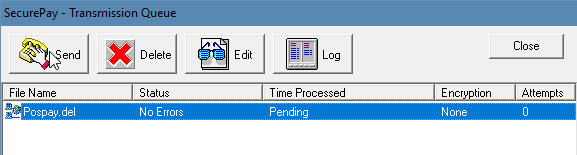
Configure Bank of America SecurePay SFTP
This video is designed to help you fix the SSL handshake error in order to transmit your positive pay file to the bank.
- Download the script folder in here.

- Unzip the file
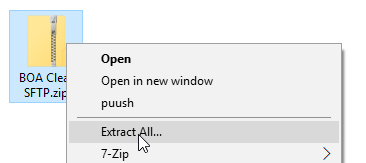
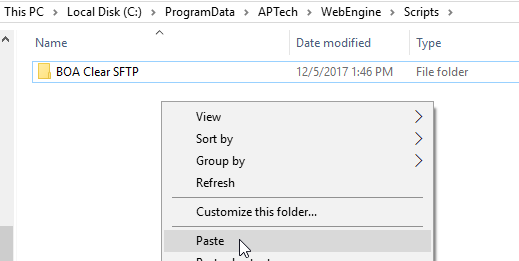
- Copy folder over to C:\programdata\aptech\webengine\scripts
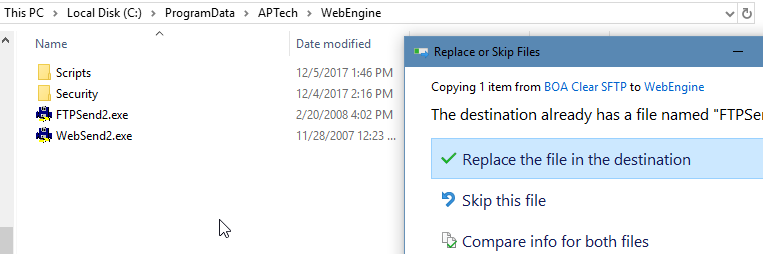
- Copy and overwrite FTPSend2.exe from
C:\ProgramData\APTech\WebEngine\Scripts\BOA
Clear SFTP to C:\ProgramData\APTech\WebEngine
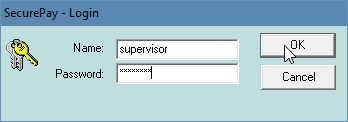
- Log in to SecurePay
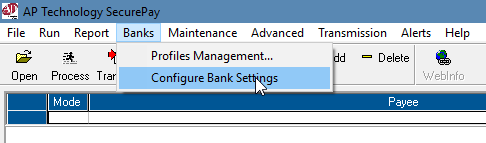
- Go to Banks menu and select bank settings
- Click edit on the bottom left
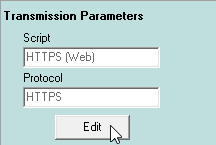
- Click edit once more
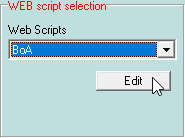
- Under Profile File Name navigate to C:\ProgramData\APTech\WebEngine\Scripts\BOA
- Clear SFTP and select profile.xml

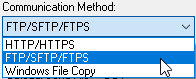
- Switch the communication method to FTP/SFTP/FTPS
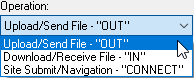
- Re-select the operation from OUT to OUT
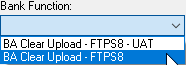
- Select Bank Function to BS Clear Upload – FTPS8
- Click OK
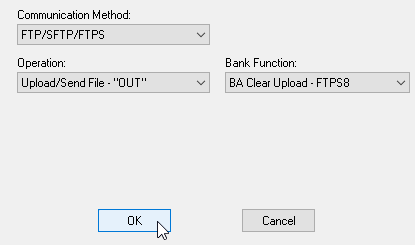
- Click OK
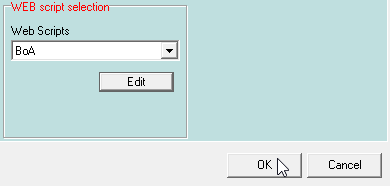
- Click OK
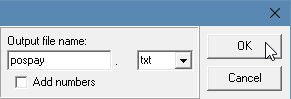
- Re-send file to the bank